
Language

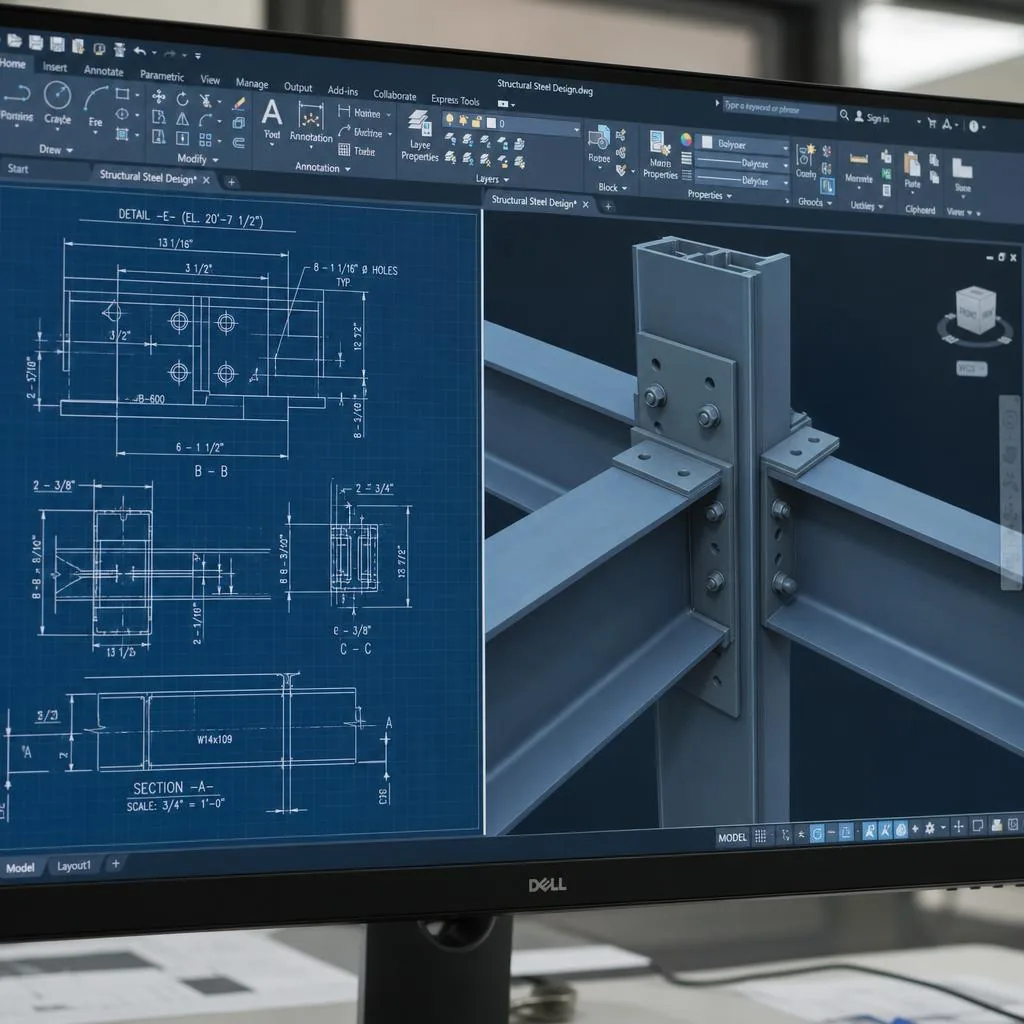
Structural steel blueprint detail representing model-based material takeoffs and procurement information

Steel Detailing Service

Steel Material Takeoffs & Bills of Material

A material takeoff is useful when quantities and descriptions relate to a defined scope. Tectonix’s BIM and 3D modeling service describes takeoffs and advanced bills of material extracted from the Tekla Structures model. These outputs can support estimating, early mill orders, and procurement planning while drawings develop.

Who this service is for

  • Fabricators preparing estimates or planning steel procurement from project documents and a developing model.
  • Estimating and purchasing teams that need a material list tied to the current project scope.
  • Detailing managers coordinating model development, drawing release, and early material-order information.

Model-based material information for steel teams

A material takeoff is useful when quantities and descriptions relate to a defined scope. Tectonix’s BIM and 3D modeling service describes takeoffs and advanced bills of material extracted from the Tekla Structures model. These outputs can support estimating, early mill orders, and procurement planning while drawings develop.

A model-based list does not replace review of contract documents or purchasing assumptions. Scope changes, connection development, and drawing revisions can affect quantities. Tying a takeoff to the model and its issue status helps teams identify which project information it represents.

Who uses takeoffs and bills of material

Fabricators may use takeoffs during bid preparation to understand project quantities. Purchasing teams can use a bill of material to organize procurement and plan early orders. Detailing managers can coordinate this information with the drawing and release schedule.

When quantity questions arise, teams can refer to the source model and issue rather than compare lists from different document versions. The site describes Tekla-based bills of material and takeoffs in spreadsheet or data formats; confirm fields and timing for each project.

How the takeoff workflow works

First, review contract documents and clarify scope: which steel package or phase is involved, what information is available, and whether the request supports bidding, procurement, or an update from a developing model. An early estimate and a later model-derived bill represent different project stages.

As the Tekla model develops, material information can be extracted and aligned with agreed project requirements and formats. If an approved revision affects quantities, the model and project records support identifying and updating that information when included in scope.

What the deliverable can include

Tectonix lists advanced bills of material and takeoffs in XLS, CSV, and KISS formats. Model-based quantities can support estimating, early mill orders, and procurement. Coordinating the list with the model and drawing release sequence helps clarify its included scope.

The model can also support drawings and machine data when included in the detailing scope. Existing service information lists PDF or DWG drawings and CNC formats such as NC1, DSTV, DXF, and XML. These related outputs are not automatically included with every takeoff.

Use the list with the right project context

Before ordering, confirm the takeoff’s issue date, scope, units, and relationship to current approved documents. An early-model list may support planning but is not the same as a later revised release. Your project manager can coordinate update records and drawing status.

For scope review, share current structural drawings, specifications, the bid or procurement schedule, and required format. Include revision information for any existing model or list. The team can confirm whether a model-based takeoff fits the requested phase and agreed detailing scope.

A clear process from scope review to release

  1. 1. Define the requested scope

    Confirm the project documents, steel package, phase, intended use, schedule, and requested takeoff or bill-of-material format.

  2. 2. Build or review the model

    Coordinate material information with the Tekla Structures model as it develops from the project documents and agreed scope.

  3. 3. Extract and issue the list

    Prepare the model-based material output in the agreed format, with project context and issue status made clear to the receiving team.

  4. 4. Coordinate revisions

    When approved scope changes affect material information, coordinate updates through the model and project revision process.

Potential project deliverables

  • Material takeoffs and advanced bills of material extracted from the Tekla model.
  • Spreadsheet or data outputs in XLS, CSV, or KISS formats when agreed for the project.
  • Material information coordinated with the applicable model, scope, and issue status.
  • Related steel drawings and CNC data only when included in the agreed detailing package.

Frequently asked questions

Are takeoffs created from the steel model?

Tectonix describes model-based takeoffs and advanced bills of material extracted directly from the Tekla Structures model. The project scope determines the model stage and issue used.

Can the information support estimating and procurement?

Yes. The site identifies estimating, early mill orders, and procurement as uses for model-based material takeoffs and bills of material.

Which formats are available?

The existing service information lists XLS, CSV, and KISS for takeoffs and bills of material. Confirm the specific output and fields during scope review.

Can a takeoff be updated after a revision?

When an approved change affects the model and material quantities, the team can coordinate the update through the project’s revision process. The included update scope and issue timing should be agreed for the project.

Does a takeoff include fabrication drawings or CNC files?

Not automatically. Drawings and machine files are listed as related deliverables in the broader detailing scope, and whether they are included depends on the agreed project package.

What should I send for a takeoff review?

Share current structural documents, specifications, the relevant project phase, intended use, schedule, and required format. Include revision information for any existing model or list.

Discuss your steel material takeoffs & bills of material scope

Send the project information for a scope review, or contact the team to discuss which deliverables fit your package.